

Open your art library
Select your initials in the upper right corner, then select Art library. The top of the page shows how many files you have, broken down by decoration type (for example, 5 Screen Print and 3 Embroidery).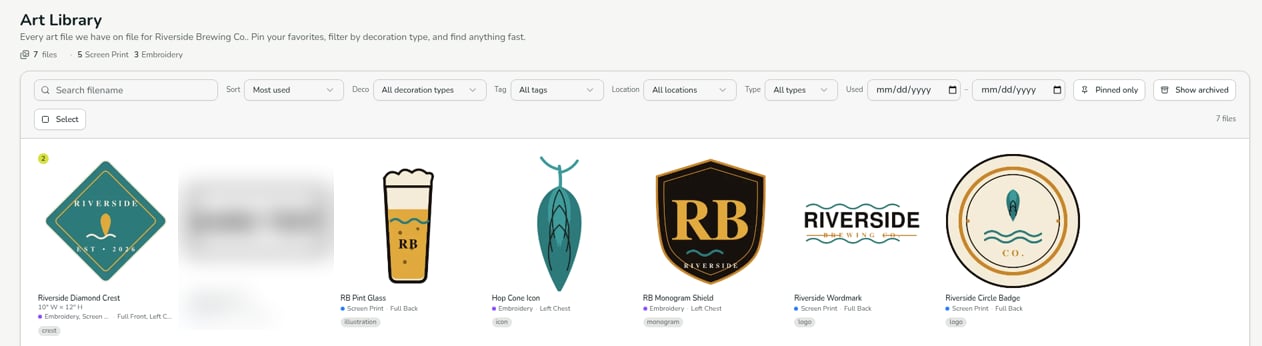
Find artwork
Use the bar above the grid to narrow the list:Pin your favorites
Pin the files you use most, then turn on Pinned only to see just those.Resellers: if you order on behalf of your own customers, your art library holds artwork for their brands as well as yours. That’s expected: the library holds all the artwork used on your account, whoever’s brand it is.
Verified against DEKHQ 41cdde7 on 2026-10-09